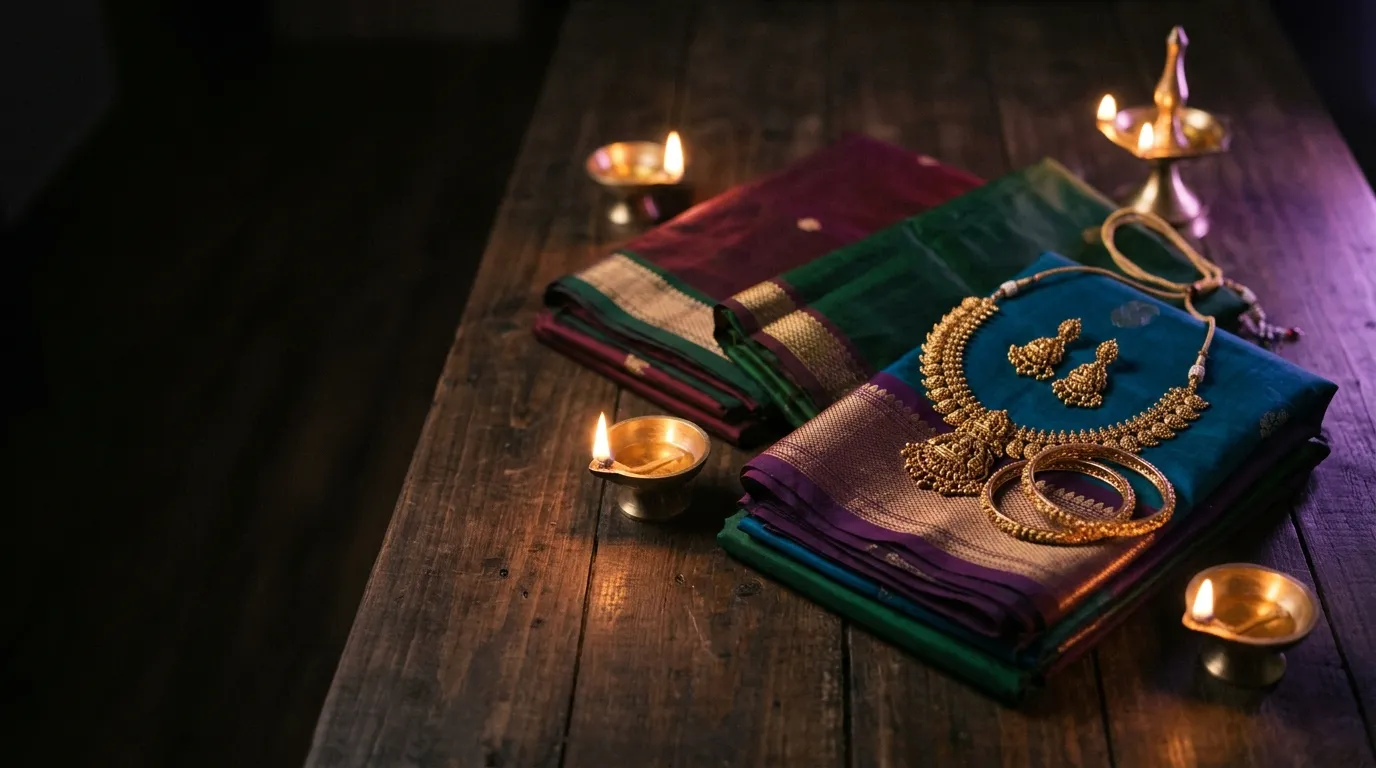
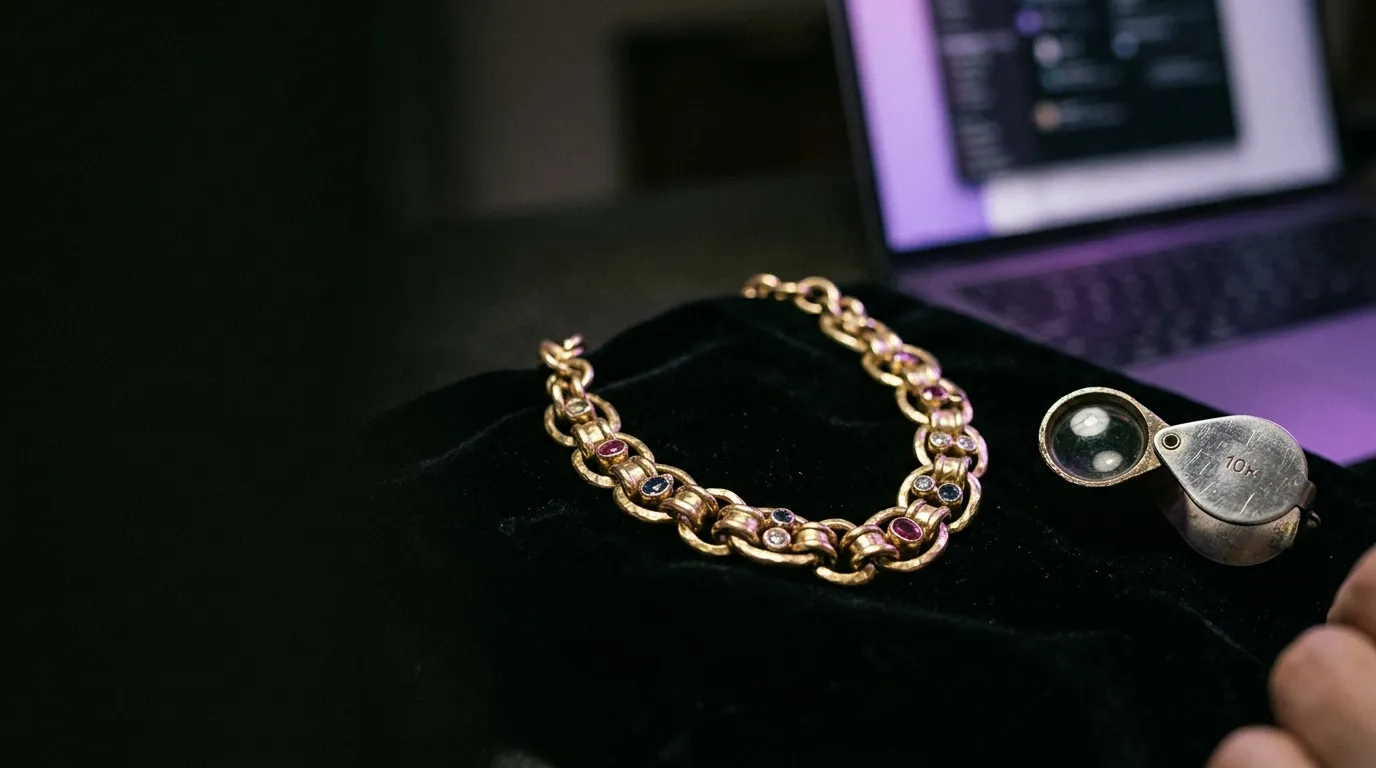
Anyone who has generated AI product visuals for jewellery or apparel knows the sharp gap between a flashy social demo and a commercial frame a real shopper trusts with their credit card. Jewellery is unforgiving: metallic specular highlights warp into unnatural plastic gradients, gemstone facets lose crispness, and delicate chains merge into collarbones or saree weave. Ethnic wear and fashion introduce equally subtle traps—unnatural pleat geometry, distorted finger anatomy around dupattas, or airbrushed skin textures that look synthetic rather than photographed.
Publishing unedited raw renders straight onto a product detail page or Meta carousel destroys brand trust immediately. Semi-fine and fine jewellery buyers zoom in to inspect clasp proportions, stone settings, and warm 18k or 22k gold tones; apparel shoppers inspect how heavy silk or cotton drapes across shoulders and hems. When physical light behavior breaks, conversion rates drop—even if the real product is museum-grade.
Achieving commercial studio quality requires treating generation as a disciplined multi-pass pipeline rather than a one-click prompt. Start by locking consistent camera focal length, directional key lighting, and clean background restraint so the SKU remains the undeniable hero. Next, run strict visual inspection gates on edges, reflections, hand posture, and fabric folds, refining localized details using Adobe Photoshop's Generative Fill and precision retouching workflows before any frame ships. You can see how our team solved reflection and detail fidelity across large SKU catalogs in our Vision 360 Jewellery AI Imagery case study.